Editing Basics3 min read
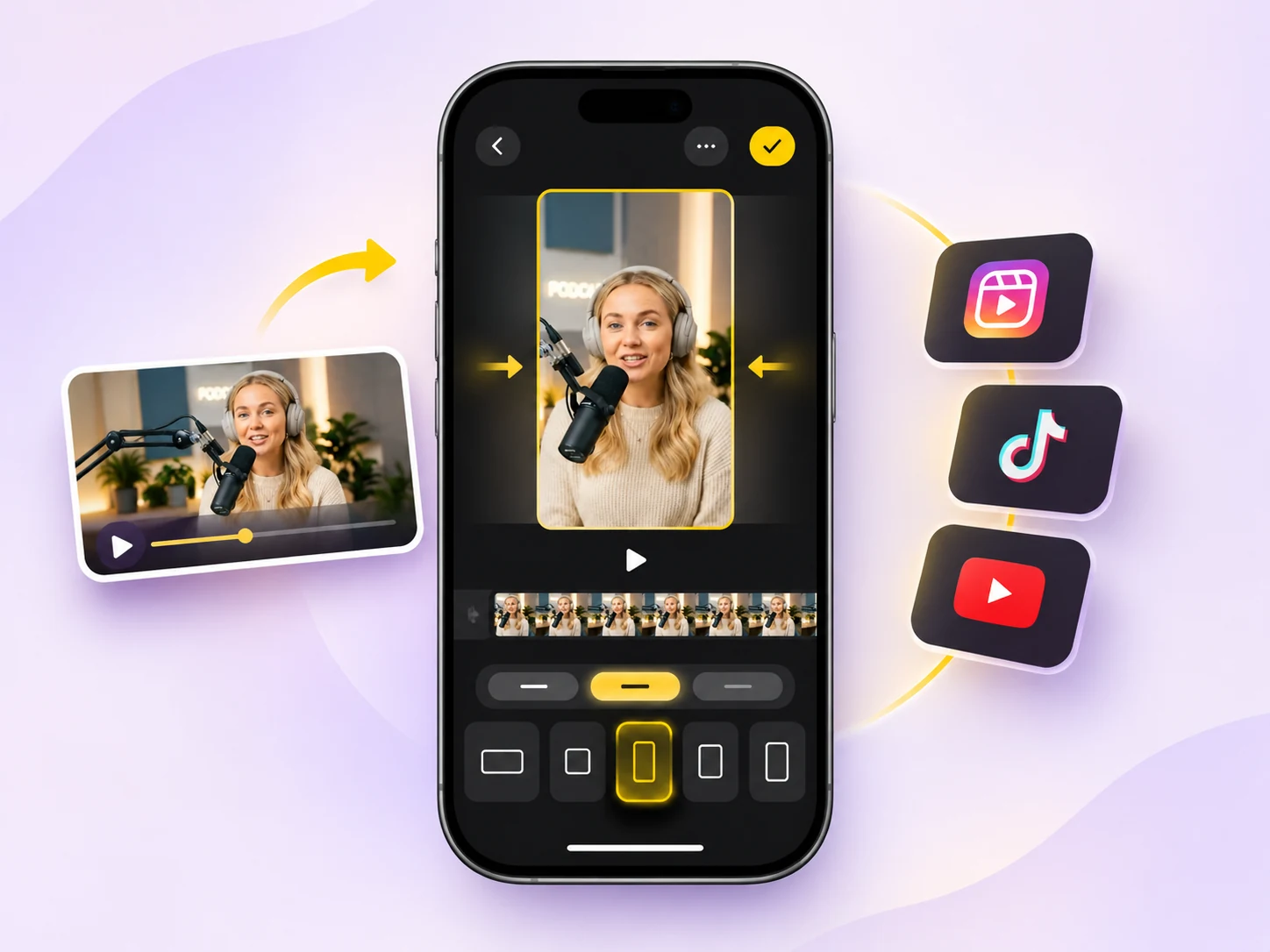
How to Change Video Aspect Ratio on iPhone with Velvet
Switch your video to 9:16, 1:1, 4:5 or 16:9, fine-tune the framing for every scene, and fill empty space with blur, color, gradient or pattern backgrounds.
Read more
Captions4 min read
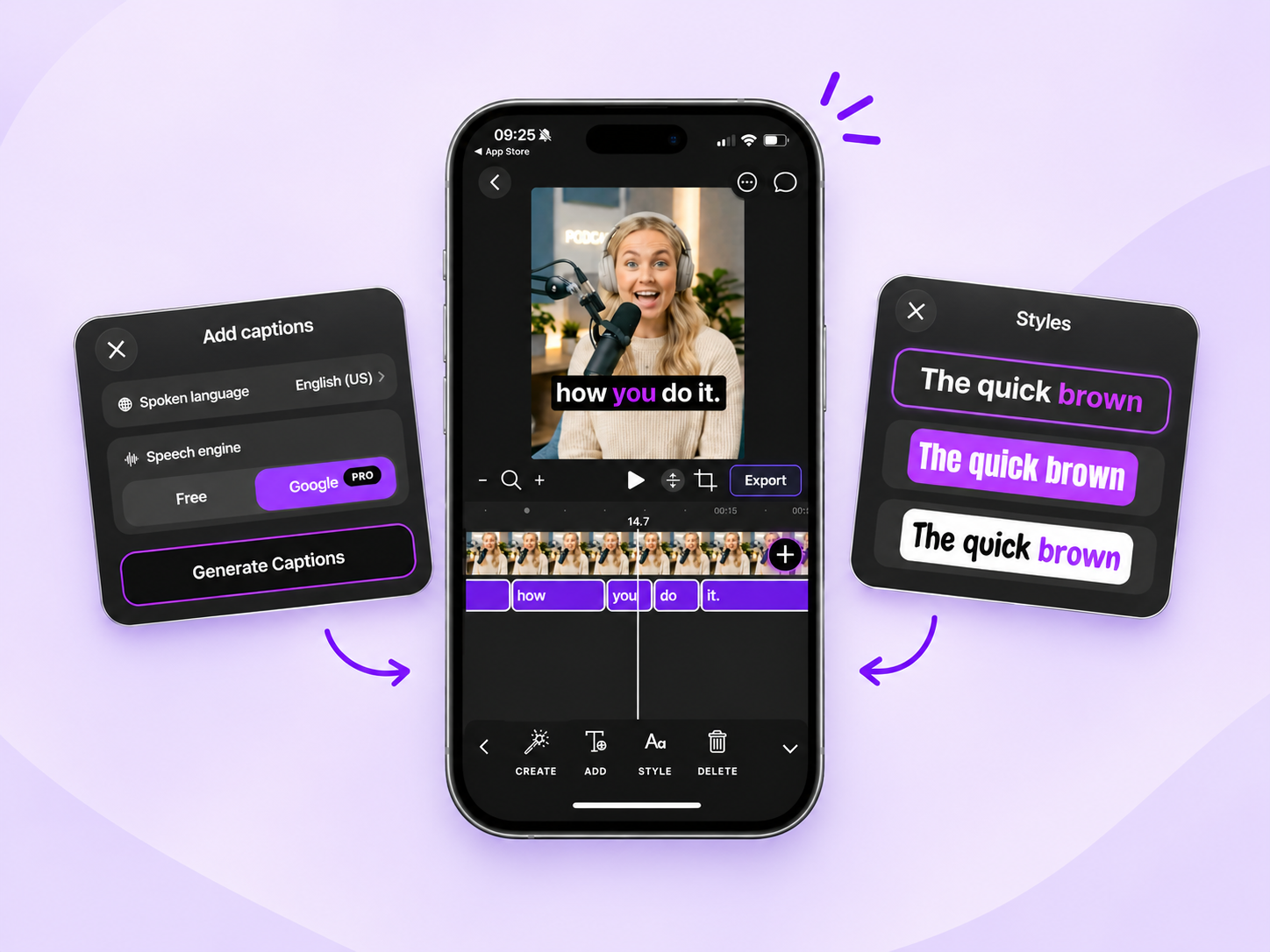
How to Add and Customize Video Captions on iPhone with Velvet
Automatically generate captions, fine-tune their timing, customize fonts and colors, and export your video with captions burned in — all on your iPhone.
Read more
Editing Basics6 min read
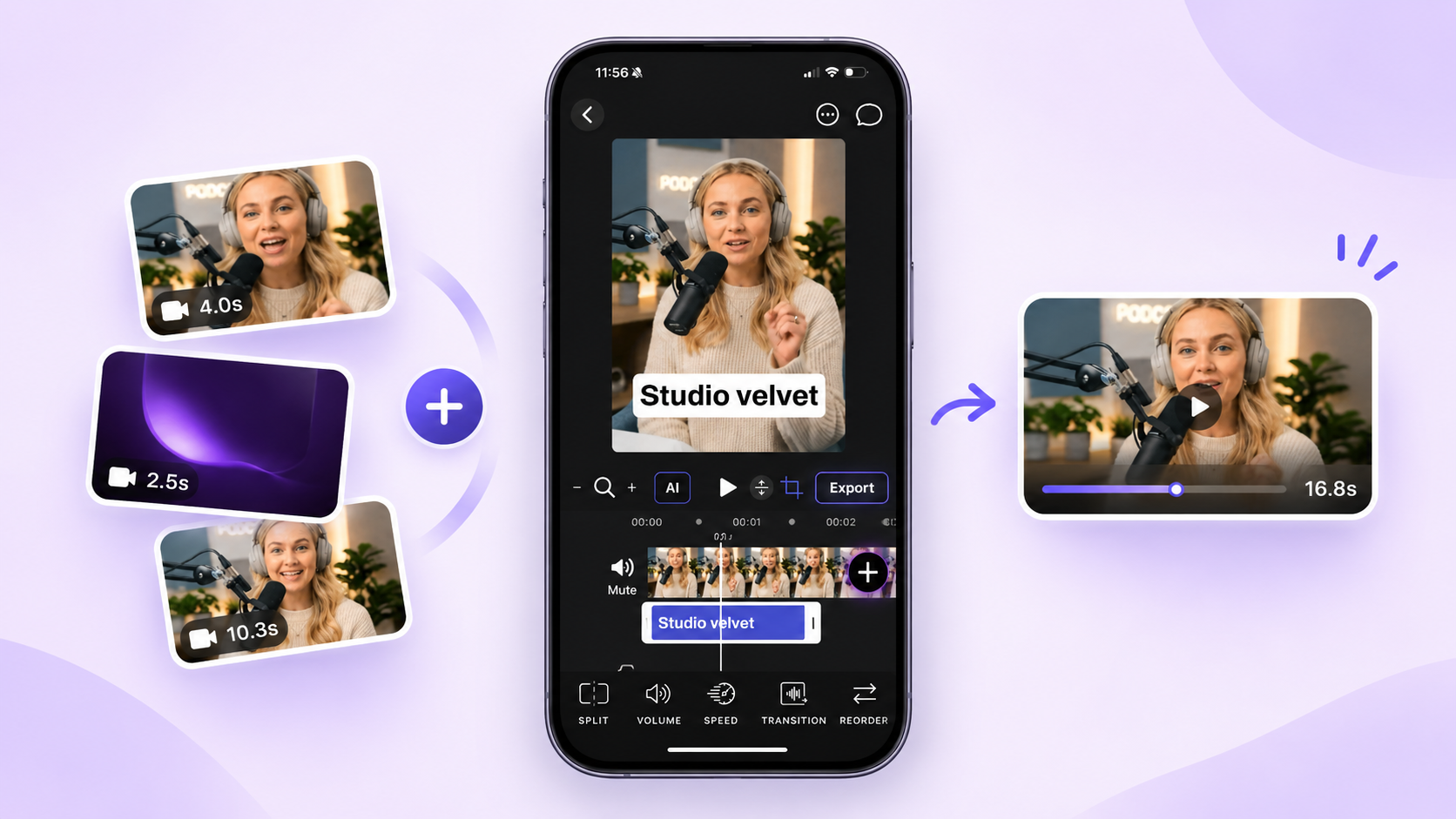
How to Combine Multiple Videos into One on iPhone with Velvet
Import your clips, arrange them in the right order, refine each scene, and export everything as a single video — all on your iPhone.
Read more
Editing Basics5 min read
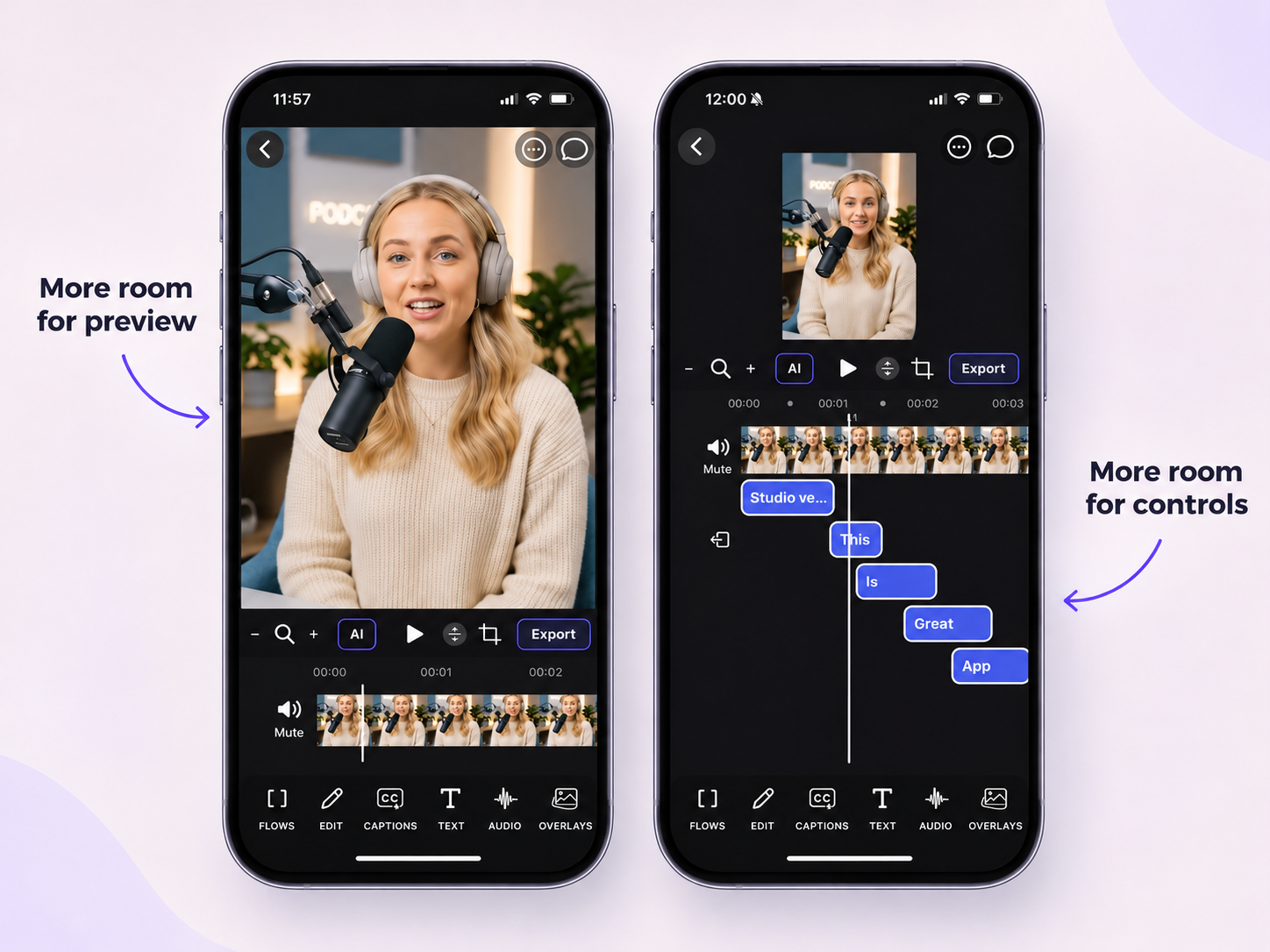
More Space Where You Need It: Introducing Adjustable Video Preview in Velvet
Resize the video preview and editing workspace to give more room to whichever part of your project needs your attention.
Read more