Professional Video Editing Made Simple
Transform your raw footage into stunning videos with our intuitive editing tools. Perfect for creators, marketers, and professionals.

IMMERSIVE EXPERIENCE
VIDEO EDITING AT HAND
ALL IN ONE APP
PERFORMANCE
Powerful Features for Professional Results
Our video editing app comes packed with all the tools you need to create stunning videos on the go.
Intuitive Editing
Edit your videos with precision using our simple and intuitive interface.
Text Overlays
Add beautiful text overlays with custom fonts, colors, and animations.
Multi-layer Timeline
Work with multiple layers to create complex and professional compositions.

Audio Enhancement
Enhance your videos with background music, voice-overs, and sound effects.
Color Grading
Apply professional color grading presets or create your own custom looks.
One-tap Export
Export and share your videos in high quality with just one tap.
Who Uses Velvet?
Our platform is designed for everyone from beginners to professionals.

Content Creators
Perfect for YouTubers, vloggers, and social media influencers who need to produce high-quality content regularly.

Marketing Teams
Create engaging promotional videos, product demos, and social media content to boost your brand's online presence.

Film Students
Learn professional editing techniques with an intuitive interface that scales from beginner to advanced workflows.
Tips & Tutorials
Guides and walkthroughs to help you get the most out of every Velvet feature.
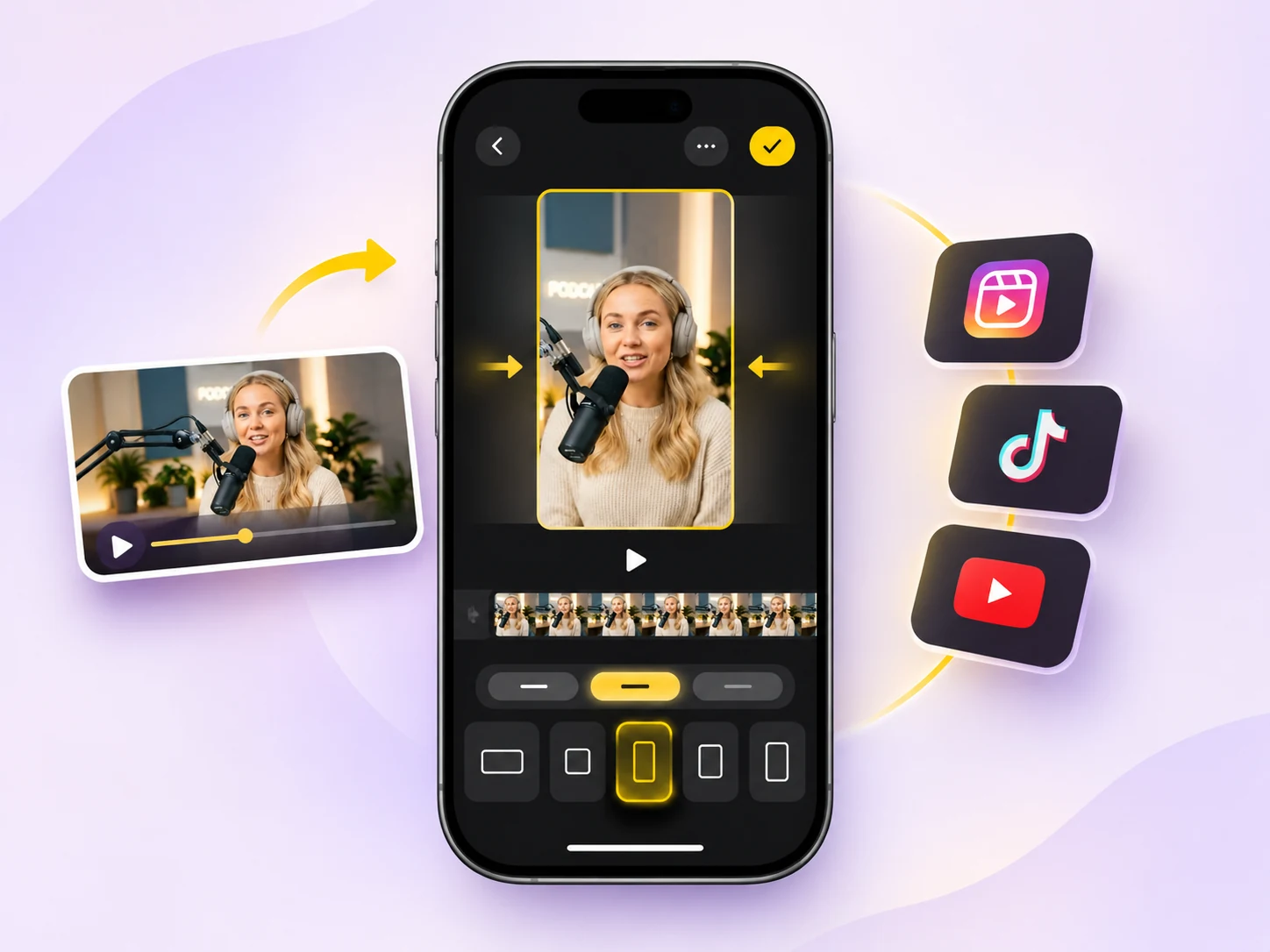
How to Change Video Aspect Ratio on iPhone with Velvet
Switch your video to 9:16, 1:1, 4:5 or 16:9, fine-tune the framing for every scene, and fill empty space with blur, color, gradient or pattern backgrounds.
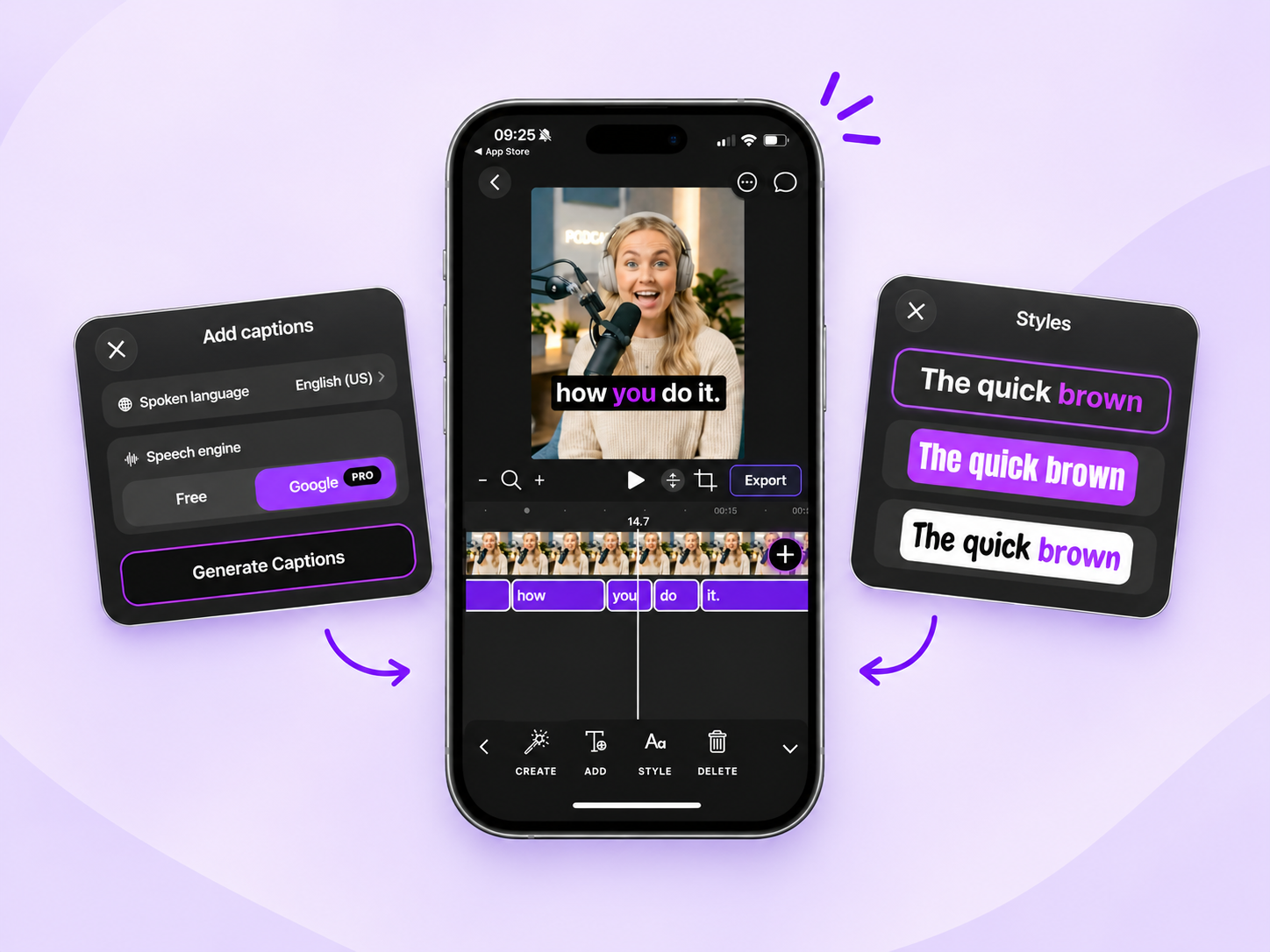
How to Add and Customize Video Captions on iPhone with Velvet
Automatically generate captions, fine-tune their timing, customize fonts and colors, and export your video with captions burned in — all on your iPhone.
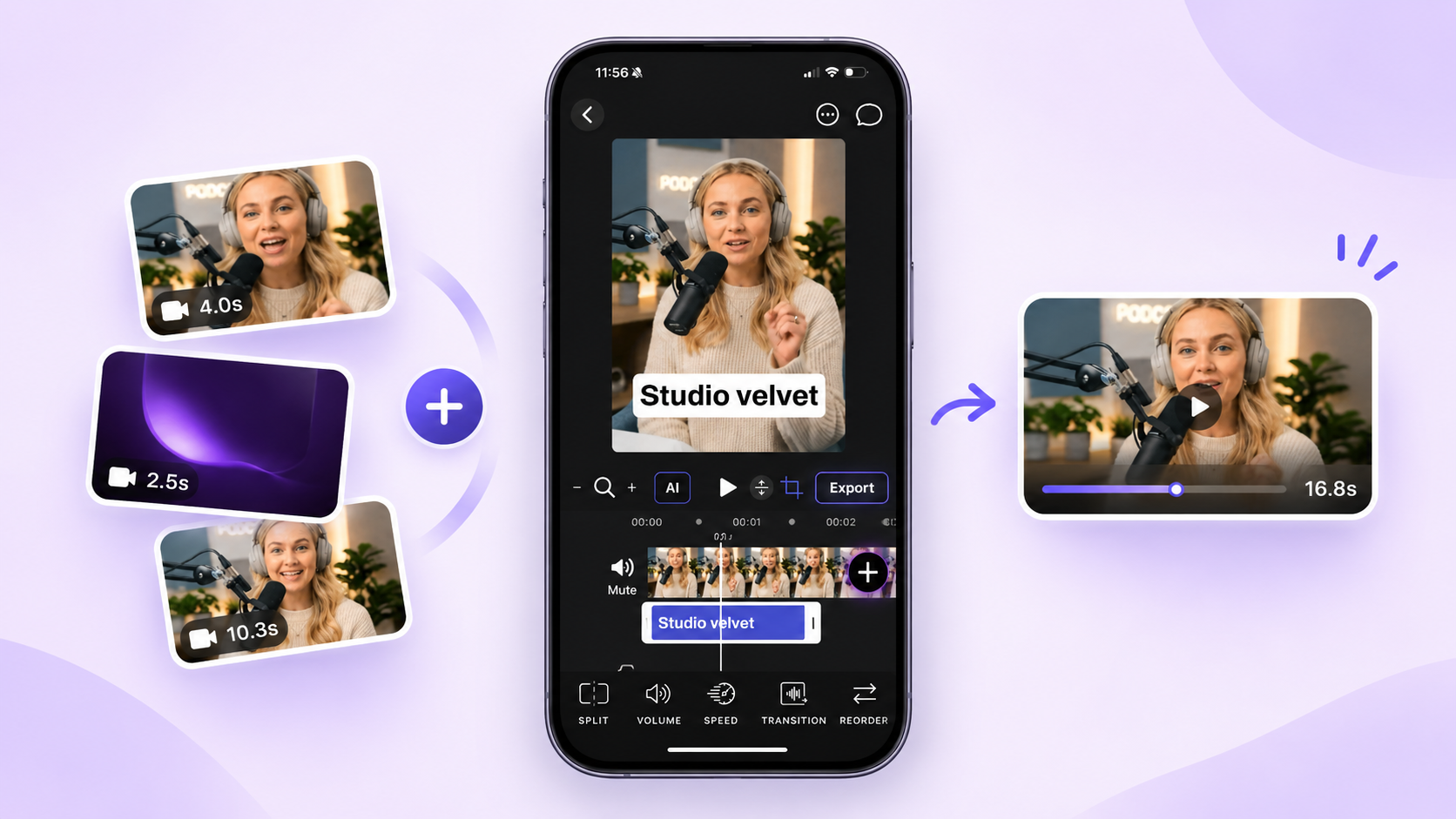
How to Combine Multiple Videos into One on iPhone with Velvet
Import your clips, arrange them in the right order, refine each scene, and export everything as a single video — all on your iPhone.
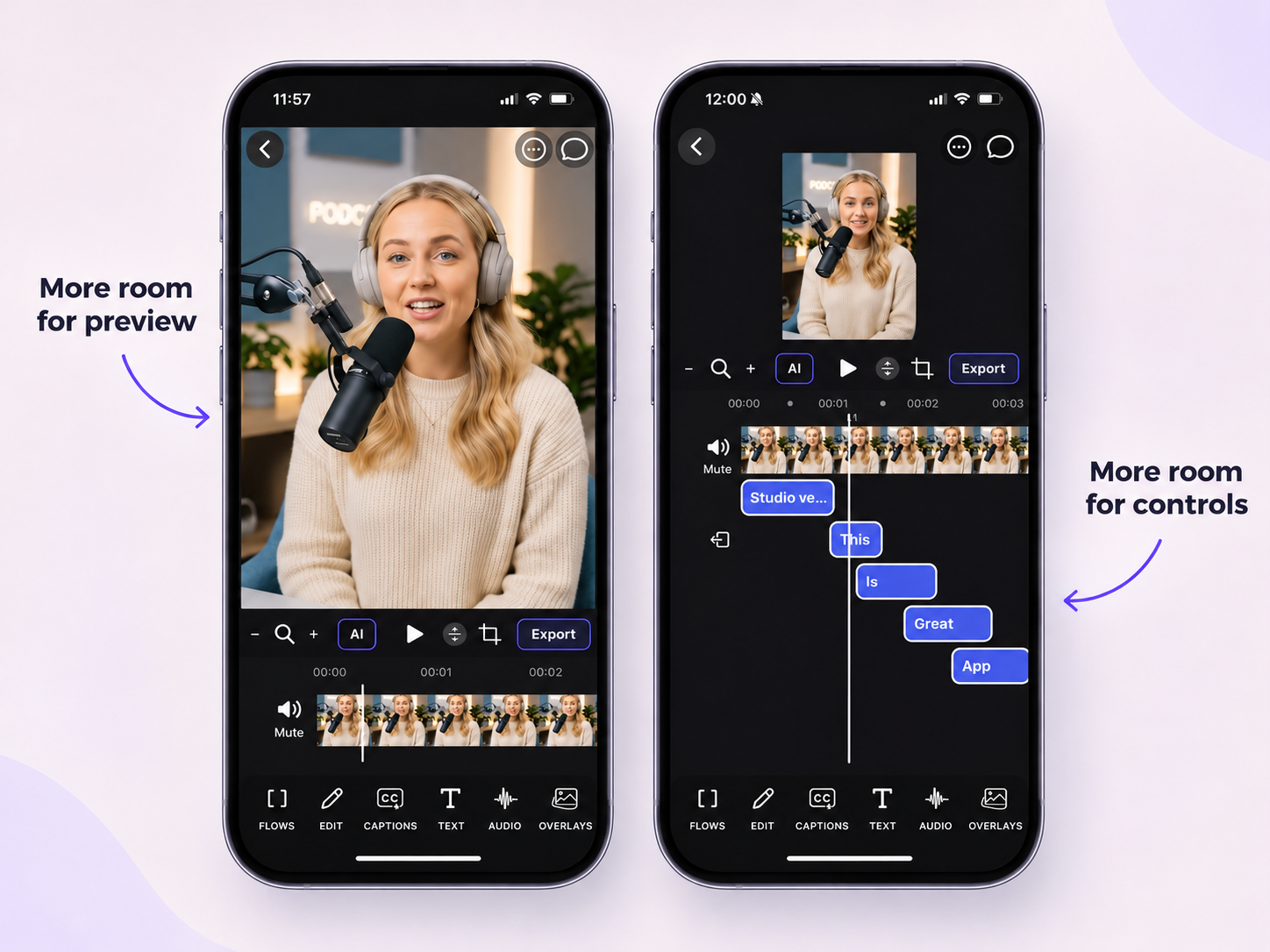
More Space Where You Need It: Introducing Adjustable Video Preview in Velvet
Resize the video preview and editing workspace to give more room to whichever part of your project needs your attention.